What happened to LEGO® Digital Designer, and what to use now
LEGO® Digital Designer is gone. The LEGO Group stopped offering it on January 31, 2022, and its help page says LDD is retired and no longer supported. It recommends BrickLink Studio, which is free for Windows and Mac and opens old LDD files. Mecabricks runs in a web browser, and LeoCAD is free and open source.
We read each tool’s own pages on November 15, 2026. One option here, Tumbly Blocks, is ours, and it does a different job, which we explain below. If your kid is under about 9, skip to which one fits which age: none of the design programs is made for small hands.
Brick apps and tools
Can you still download LEGO® Digital Designer?
Not from the LEGO Group. On January 12, 2022 it announced that the LDD website would close on January 31 and that the program would no longer be available to download. Copies already installed would keep working, it said. Its help page now adds that LDD isn’t supported, so it can’t promise an old copy will keep running.
Search for LDD and you’ll still find download sites with pages named after it. The two we opened on November 15, 2026 were offering BrickLink Studio under the old name. If a site offers you the real LDD installer, it didn’t come from the LEGO Group, and you can’t tell what’s inside. We’d skip it, especially on a computer your kid uses, and get Studio from BrickLink’s own download page.
Have old LDD models? You don’t need LDD to open them. Studio reads and writes LDD’s .lxf and .lxfml files. Its help page warns that decorated parts usually come in plain, and a part it doesn’t know at all shows up as a cube with a red question mark. Mecabricks and LeoCAD can import LDD files too.
What did the LEGO Group replace it with?
BrickLink Studio. When it announced LDD’s end in January 2022, the LEGO Group said Studio would replace it as “the official virtual LEGO building software.” BrickLink, the marketplace where fans buy and sell bricks and sets, became part of the LEGO Group in late 2019, and Studio is its design program.
Studio is a desktop app for Windows and Mac, and BrickLink says it’s completely free. Your kid builds a model brick by brick on screen, and Studio can test whether it could be built with real bricks. Its Instruction Maker turns the model into step-by-step instructions you can print, and its renderer makes photo-real pictures and short videos. It can also check whether your model’s parts are for sale on BrickLink and what they cost.
It’s still kept up. Studio’s change log lists version 2.26.10, from October 2026.
How do Studio, Mecabricks and LeoCAD compare?
All three let your kid place virtual bricks one at a time, and all three are free to build with. The differences are where they run and what they make.
From each tool’s own site and help pages, read on November 15, 2026. A dash means it doesn’t do that, or its pages don’t say it does. Tumbly Blocks is ours and isn’t a design program, so it’s in the first column only to show the difference.
| Feature | Tumbly Blocks | BrickLink Studio | Mecabricks | LeoCAD |
|---|---|---|---|---|
| How you build | Say an idea, snap a photo of your bricks | Brick by brick on screen | Brick by brick in a browser | Brick by brick on screen |
| Price | Free to start, Family $7.99/mo | Free | Free to build, paid add-ons in its shop | Free and open source |
| Runs on | iPhone, iPad, Android, web browser | Windows, Mac | A web browser | Windows, Mac, Linux |
| Nothing to install | ✓ | — | ✓ | — |
| Opens old LDD files | — | ✓ | ✓ | ✓ |
| Saves an LDraw file | For builds in LEGO® bricks | ✓ | — | ✓ |
| Makes step-by-step instructions | Designs the steps for you | Instruction Maker | — | Yes, you set the steps |
| Rendered pictures | — | Photo-real, plus short videos | ✓ | Through POV-Ray or Blender |
| Sized for your kid’s age | Ages 2–13 | — | — | — |
| Account needed | A grown-up’s, for new designs | Not to build; to share or build with friends | To save or export | — |
| Made by | Winding AI, Inc. | BrickLink, part of the LEGO Group | Mecabricks | An open-source project |
- Pick Studio for a Windows or Mac computer at home. It’s the one the LEGO Group points to, it opens old LDD files, and its Instruction Maker lays out booklets ready to print.
- Pick Mecabricks when you can’t install anything. Its site says there’s “no plug-in, no installation” and that everything happens in your browser. Its shop sells add-ons, such as ones for Blender, but you don’t need them to build.
- Pick LeoCAD if you want open-source software. It reads and writes LDraw files, which Studio’s help calls the open standard for brick design programs, and it can lay a model out in building steps. Its latest version came out in September 2026.
Which one fits your kid’s age?
It mostly comes down to two things: can your kid read part names, and can they steer with a mouse? Here’s how we’d match them. This is our judgment, not advice from any of these tools.
- Under 7: no design program yet. In Studio you turn the view by dragging with the right mouse button, pan with the middle one and zoom with the wheel. That’s a lot for small hands, and the menus are all words. Real bricks with picture steps work better, like this brick dump truck in 10 pieces and 3 steps, or what to build with LEGO® bricks, sorted by age. Tumbly Blocks reads each step aloud, and for a 4- to 6-year-old it designs 3 or 4 steps of 10 to 30 pieces.
- 7 to 9: a design program, with a grown-up nearby. Sit with them for a small model, like a car or a little house. Mecabricks is the easiest start because there’s nothing to install. In Studio, a good first project is to load a set they own by its set number, so the parts on screen match the box on the table, then build something new from it. Here are more ideas for building something else from a set.
- 10 to 12: Studio on their own. Most can read part names, handle the mouse and stay with a model for an afternoon. Studio’s test tells them whether a model could be built with real bricks, and the Instruction Maker lets them make a booklet a friend can follow. Here’s how making your own instructions works.
- 13 and up: any of them. A teen who loves pictures can spend hours on Studio’s or Mecabricks’s renders. One who likes tinkering with files can try LeoCAD.
If your kid’s bin is mostly big DUPLO® bricks, none of the three design programs is the right tool yet. Here’s which bricks fit each age.
What computer does each one need?
Studio and LeoCAD need a Windows or Mac computer, and LeoCAD also runs on Linux. Mecabricks needs only a web browser.
- Windows or Mac: any of the three. Studio and LeoCAD install like other programs. If Studio won’t start, its help page says an old operating system or graphics card may not be supported, and suggests trying an older version of Studio.
- A Chromebook: Studio has no Chromebook version. Mecabricks is the one to try, because it runs in the browser with nothing to install. It’s a full 3D program, so test it on that Chromebook before you count on it for a school project. LeoCAD comes for Linux, which some Chromebooks can run, but Google says a school Chromebook might not allow it, and we haven’t tried it. Tumbly Blocks also runs in a web browser.
- An iPad or a phone: Studio and LeoCAD are made for computers. We haven’t tested Mecabricks on an iPad. Tumbly Blocks has apps for iPhone, iPad and Android.
Does a kid need an account?
Not to start building in any of them, though Mecabricks needs an account to save.
- Studio runs without an account, BrickLink says. Signing in adds things like building with friends in real time and posting to Studio’s online gallery, and without it those features are off. BrickLink’s terms, updated September 18, 2025, say an account holder must be a legal adult where they live, and a LEGO Group report calls BrickLink “an adult platform (18+).” So a kid builds signed out, and you share for them if they want to.
- Mecabricks opens its workshop without an account, but when we checked on November 15, 2026, Save and Export stayed grayed out until you log in. Signing up asks for a username, an email address and a password. We didn’t find an age rule on its site, so we’d make the account yourself and keep the password.
- LeoCAD saves models as files on your computer, and nothing on its site mentions an account.
- Tumbly Blocks needs a grown-up to sign in and agree before the camera and new designs turn on. Our free step-by-step builds need nothing at all.
Where does Tumbly Blocks fit?
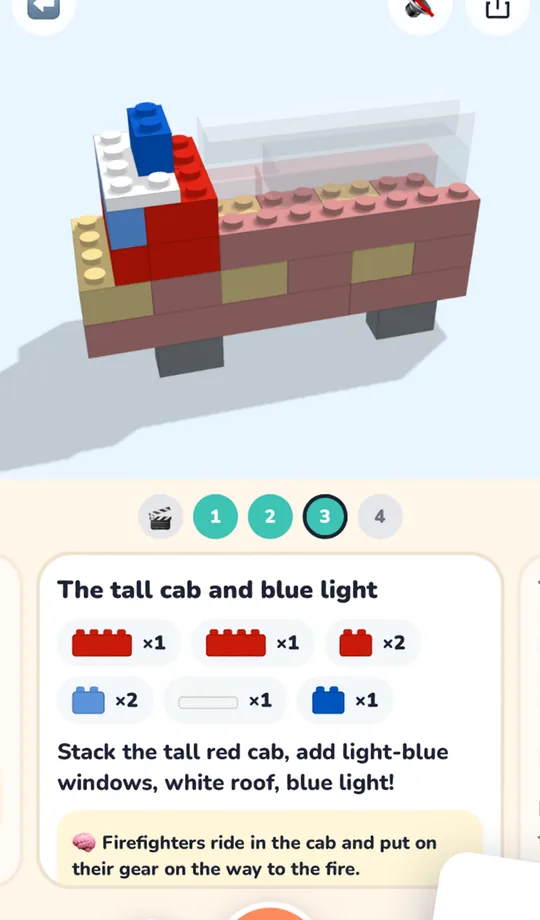
It does a different job. It isn’t a program where you place bricks one at a time. Your kid says what they want, you take a photo of the bricks on the table, and Tumbly Blocks designs that thing from only those bricks, sized for their age. Every step turns in 3D and a voice reads it, so a kid who can’t read yet can follow along.
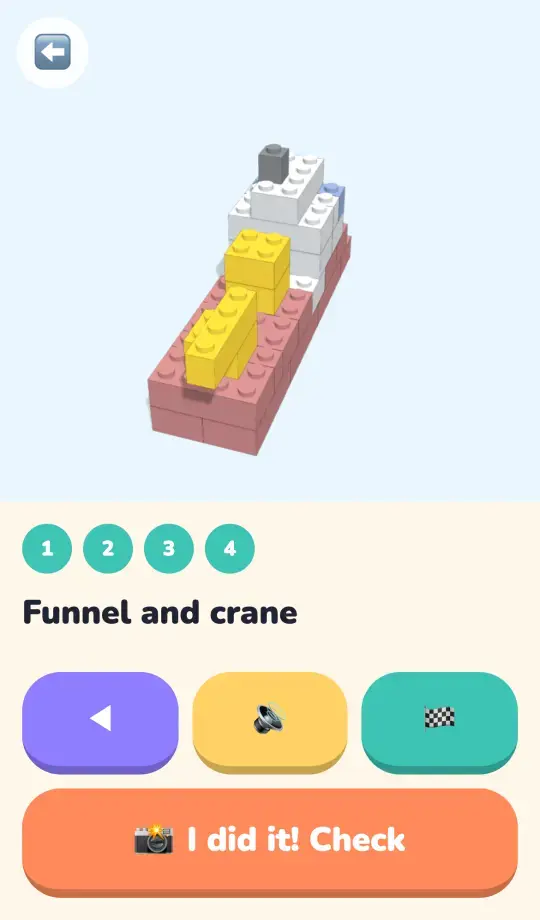
It pairs well with the design programs. A finished design in LEGO® bricks can be saved as an LDraw file from the build’s share menu (“LEGO file”; in the apps, a grown-up opens that menu). Studio, LeoCAD and Mecabricks all open that file, so an older kid can take one of our designs and change it brick by brick. Builds in DUPLO® bricks or wooden blocks don’t save that way. It can’t open LDD files, and it won’t turn a model your kid already built into instructions. For that, Studio is the better tool.
A new design takes a couple of minutes, and it comes out simple and blocky, so don’t expect a display piece. Here’s how it compares with AI tools that only draw a picture.
Build their idea tonight.
Your kid says what they want, and you get a build made from only the bricks on your table, sized for their age, with every step in 3D.


Scan with your iPhone cameraor open it in your browser
Questions parents ask
Is LEGO® Digital Designer still available?
No. The LEGO Group closed the LDD website on January 31, 2022, and stopped offering the download. Its help page says LDD is retired and no longer supported, and recommends BrickLink Studio instead.
Can I still download LEGO® Digital Designer for Windows or Mac?
Not from the LEGO Group. Some download sites still have pages named after LDD, but they aren’t the LEGO Group, and the two we opened were offering BrickLink Studio under the old name. We’d skip any site that offers an LDD installer and get Studio from BrickLink instead.
What replaced LEGO® Digital Designer?
BrickLink Studio. When LDD closed in 2022, the LEGO Group said Studio would replace it as its official program for building with virtual bricks. Studio is free for Windows and Mac.
Is BrickLink Studio free?
Yes. BrickLink says Studio is completely free to use, runs on Windows and Mac, and doesn’t need a BrickLink account to run.
Can I open my old LDD files?
Yes. Studio opens LDD’s .lxf and .lxfml files, though decorated parts usually come in plain. Mecabricks and LeoCAD can import LDD files too.
Can you build with LEGO® bricks online without downloading anything?
Yes, with Mecabricks. It runs in a web browser with nothing to install. You can start building signed out, but you need a free account to save or export a model.
Does BrickLink Studio work on a Chromebook or an iPad?
No. Studio is a desktop app for Windows and Mac. On a Chromebook, try Mecabricks in the browser. On an iPad, Tumbly Blocks has an app, but it designs builds for your kid rather than letting them place bricks one by one.
What age is BrickLink Studio for?
Studio’s license doesn’t name an age, but BrickLink accounts are for adults, so a kid uses Studio signed out. In our judgment most kids can drive it alone from about 10, and from about 7 with a grown-up beside them.
Is the LEGO® Builder app the same thing?
No. LEGO® Builder is the LEGO Group’s app for following the instructions of a set you bought, not for designing your own model. Here’s how the LEGO® Builder app works.
Can I open a Tumbly Blocks design in BrickLink Studio?
Yes, if it’s built from LEGO® bricks. A finished design can be saved as an LDraw file from the build’s share menu (“LEGO file”), and Studio opens it. Builds in DUPLO® bricks or wooden blocks don’t save that way.
Is Tumbly connected to the LEGO Group, BrickLink, Mecabricks or LeoCAD?
No. Tumbly is made by Winding AI, Inc., which has no connection to any of them.
Sources
Each tool’s own pages, read November 15, 2026, plus two fan news sites that printed the LEGO Group’s 2022 announcement. The “pick” and age advice is our own judgment, and we make Tumbly.
- The LEGO Group: About LEGO® Digital Designer: www.lego.com/en-us/service/help-topics/article/about-lego-digital-designer
- Brickset: BrickLink Studio replacing LDD (January 12, 2022): brickset.com/article/68953/bricklink-studio-replacing-ldd
- The Brothers Brick: the LEGO Group’s announcement (January 12, 2022): www.brothers-brick.com/2022/01/12/lego-fully-discontinuing-lego-digital-designer-in-favor-of-bricklink-studio
- BrickLink: Studio download and change log: www.bricklink.com/v3/studio/download.page
- BrickLink Help Center: Studio: www.bricklink.com/help.asp?helpID=2449
- Studio Help Center: Introduction to Studio: studiohelp.bricklink.com/hc/en-us/articles/5404381697559-Introduction-to-Studio
- Studio Help Center: Import an LDD file: studiohelp.bricklink.com/hc/en-us/articles/5606572365847-Import-a-LEGO-Digital-Designer-LDD-file
- Studio Help Center: Import formats: studiohelp.bricklink.com/hc/en-us/articles/6502277722647-Import-formats
- Studio Help Center: Exporting to other formats: studiohelp.bricklink.com/hc/en-us/articles/6502197862679-Exporting-to-other-formats
- Studio Help Center: Introduction to Instruction Maker: studiohelp.bricklink.com/hc/en-us/articles/5626403887511-Introduction-to-instructions-maker
- Studio Help Center: Render: studiohelp.bricklink.com/hc/en-us/articles/5705001957399-Render
- Studio Help Center: Camera control: studiohelp.bricklink.com/hc/en-us/articles/5409213150487-Camera-control-in-the-viewport
- Studio Help Center: Failed to initialize Studio: studiohelp.bricklink.com/hc/en-us/articles/19858376184599-Failed-to-initialize-Studio
- Studio Help Center: Uploading your designs to My Studio: studiohelp.bricklink.com/hc/en-us/articles/5705165651095-Uploading-your-designs-to-My-Studio
- Studio Help Center: v.2.25.9 update and sign-in: studiohelp.bricklink.com/hc/en-us/articles/35041828645143-Studio-v-2-25-9-Critical-Update-released
- Studio Help Center: Studio Software License Agreement: studiohelp.bricklink.com/hc/en-us/articles/6606313426711-Studio-Software-License-Agreement
- BrickLink Terms of Service (updated September 18, 2025): v2.bricklink.com/terms-of-service
- The LEGO Group: BrickLink safeguarding report (February 2026): www.lego.com/cdn/cs/aboutus/assets/blt5cb0de1d12e0c274/Bricklink_Introduction_2026.pdf
- Mecabricks: www.mecabricks.com/
- Mecabricks Workshop: www.mecabricks.com/en/workshop
- Mecabricks Shop: www.mecabricks.com/en/shop
- Mecabricks sign-up: www.mecabricks.com/en/signup
- LeoCAD: www.leocad.org/
- LeoCAD downloads: www.leocad.org/download.html
- LeoCAD version history: www.leocad.org/docs/history.html
- Google Chromebook Help: Set up Linux on your Chromebook: support.google.com/chromebook/answer/9145439?hl=en
- The LEGO Group: LEGO® Builder app: www.lego.com/en-us/builder-app